

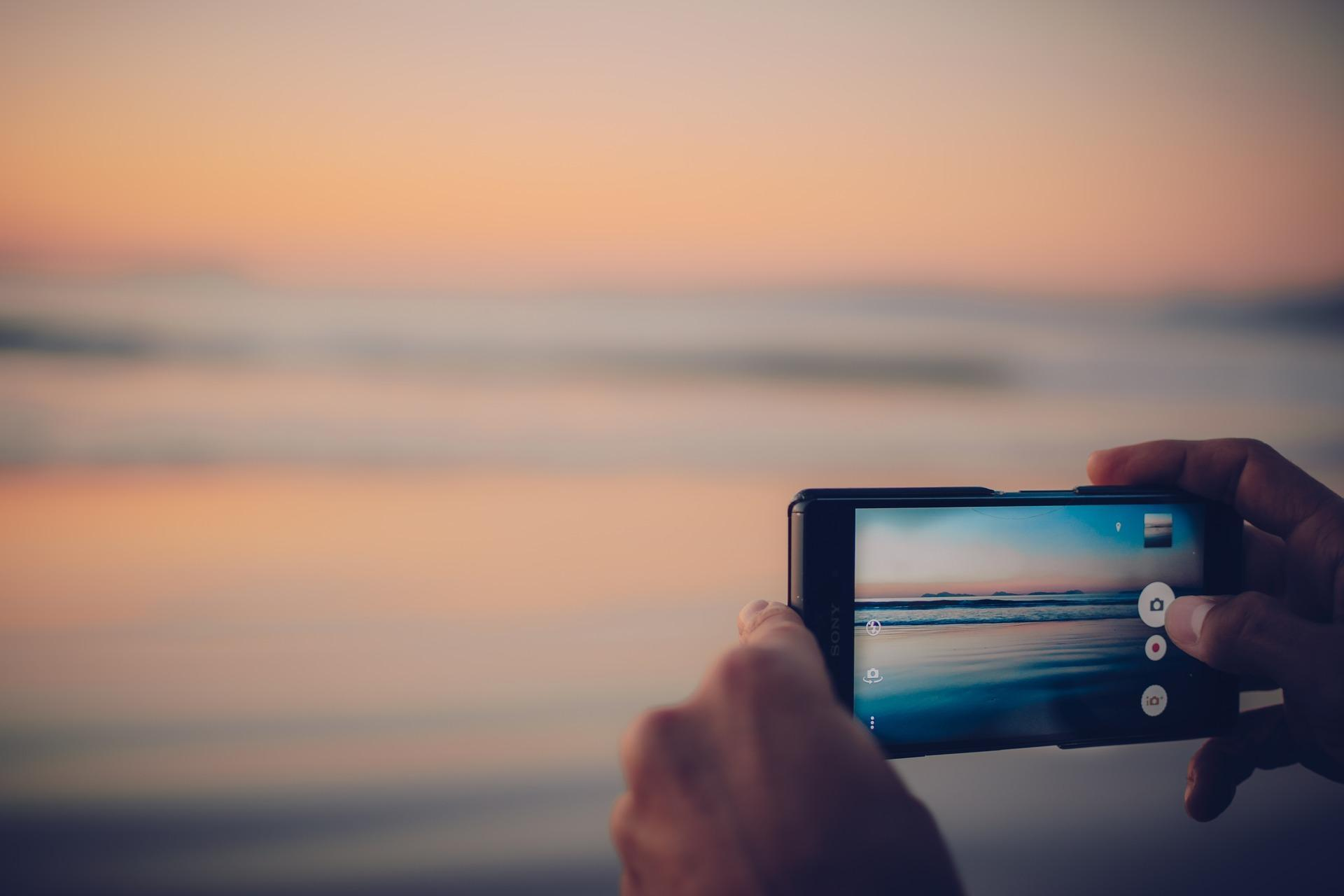
09 Oct Photography Tips for Beginners with Smartphones
In today’s world, smartphones have become more than just a tool for calls or messaging—they’re powerful cameras that can help anyone capture stunning images. The best part? You don’t need expensive equipment or professional training to start taking great photos. With a few simple tips and a little practice, beginners can learn to capture memorable moments and beautiful visuals right from their smartphones. Here’s a beginner-friendly guide to help you elevate your smartphone photography game.
1. Understand Your Smartphone Camera
The first step in smartphone photography is understanding your device’s camera. Most modern smartphones come with multiple lenses and features like wide-angle, telephoto, and macro. Explore your camera settings and learn what each mode does:
- Auto Mode: Best for quick shots, letting the camera handle exposure and focus.
- Portrait Mode: Ideal for capturing people with a blurred background, making the subject stand out.
- Night Mode: Enhances low-light photos without the need for a flash.
- Pro Mode (if available): Allows manual adjustment of settings like ISO, shutter speed, and focus for more creative control.
Taking time to explore these modes helps you understand what your camera is capable of and improves your shots significantly.
2. Focus on Composition
A well-composed photo can turn an ordinary scene into something extraordinary. Composition is all about arranging elements in your frame effectively. Here are some tips:
- Rule of Thirds: Imagine your screen divided into a 3×3 grid. Place your subject along these lines or intersections for a balanced shot.
- Leading Lines: Use roads, pathways, or fences to guide the viewer’s eyes toward your subject.
- Framing: Natural frames like windows, doorways, or tree branches can highlight your subject beautifully.
- Simplify the Scene: Avoid clutter. Focus on one main subject to make your photo clear and visually appealing.
A strong composition can make even simple photos look professional.
3. Make the Most of Lighting
Lighting is the heart of photography. Without proper light, even the best composition may look dull. Here’s how to use lighting effectively:
- Natural Light: Whenever possible, shoot in daylight. Soft morning or late afternoon light gives your photos a warm, natural look.
- Avoid Harsh Sunlight: Midday sun can create harsh shadows and overexposed areas. Look for shaded spots or use the sun creatively to make silhouettes.
- Use Shadows and Highlights: Shadows can add depth, while highlights can draw attention to your subject. Experiment to see what works best.
- Flash: Only use flash if necessary, as it can flatten the image. Instead, rely on natural or ambient lighting.
Understanding light helps you create mood, depth, and dimension in your photos.
4. Keep Your Lens Clean
It might sound simple, but a dirty lens can ruin your photos. Fingerprints, dust, or smudges can cause blurry or hazy images. Before taking photos, gently wipe your lens with a soft cloth or lens tissue. This small step ensures your photos are sharp and clear every time.
5. Focus and Exposure Control
Smartphones often auto-focus, but you can take control for better results:
- Tap to Focus: Tap the screen where your main subject is to focus and adjust the exposure.
- Adjust Brightness: Slide your finger up or down (on most smartphones) to brighten or darken the image.
- Avoid Overexposure: Too much light can wash out details. Lower exposure slightly if your photo looks too bright.
Mastering focus and exposure makes a big difference, especially in tricky lighting conditions.
6. Experiment with Angles and Perspectives
One of the easiest ways to make your photos unique is to change your perspective:
- Low Angle Shots: Shooting from a low angle can make your subject appear larger and more dramatic.
- High Angle Shots: Shooting from above provides a fresh, interesting view of a scene.
- Close-ups: Capture small details like flowers, textures, or objects to add depth to your photography.
- Different Distances: Move closer or farther to see how framing changes your photo’s impact.
Trying new angles encourages creativity and gives your photos a distinctive look.
7. Use Editing Apps
Even smartphone photographers can benefit from post-processing. Editing can enhance colors, adjust lighting, and crop photos to improve composition. Some beginner-friendly apps include:
- Snapseed: Offers powerful editing tools and filters.
- VSCO: Great for applying stylish filters and adjusting tones.
- Adobe Lightroom Mobile: Ideal for fine-tuning exposure, colors, and details.
Remember, editing should enhance, not overdo. Aim for natural-looking improvements.
8. Keep Practicing
Photography, like any skill, improves with practice. Take photos daily, experiment with different settings, angles, and lighting. Review your photos to see what worked and what didn’t. Over time, you’ll develop an eye for what makes a photo visually appealing.
9. Learn from Others
Follow photographers on social media or join online photography communities. Observing other people’s work helps you understand composition, color balance, and creative techniques. Don’t hesitate to ask for feedback—constructive criticism can help you grow faster.
10. Have Fun and Be Patient
Most importantly, enjoy the process. Smartphone photography is about capturing moments that matter to you. Don’t worry about perfection. With patience, curiosity, and practice, your photos will improve naturally.
5 Frequently Asked Questions (FAQs)
1. Can beginners take professional-looking photos with a smartphone?
Yes! Modern smartphones have advanced cameras that can capture high-quality images. Understanding composition, lighting, and editing can make your photos look professional.
2. Do I need additional equipment for smartphone photography?
Not necessarily. While accessories like tripods or external lenses can help, beginners can achieve excellent results with just a smartphone.
3. How can I take better low-light photos?
Use your phone’s night mode if available, keep your hands steady, and avoid using the flash. Natural or ambient light works best in low-light situations.
4. Should I edit all my photos?
Editing is optional. Simple adjustments like brightness, contrast, and cropping can improve your photos without making them look artificial.
5. How can I develop my photography skills faster?
Practice regularly, experiment with different angles and lighting, and study photos from professional photographers. Join online communities to get feedback and learn new techniques.
Smartphone photography is accessible, fun, and a great way for beginners to express creativity. By understanding your camera, experimenting with composition, and paying attention to light and angles, you can start capturing images that tell your story beautifully. Remember, every photo is a step toward improving your skills, so keep shooting and enjoy the process.
Sorry, the comment form is closed at this time.